> For the complete documentation index, see [llms.txt](https://docs.melonbotics.com/llms.txt). Markdown versions of documentation pages are available by appending `.md` to page URLs; this page is available as [Markdown](https://docs.melonbotics.com/through-bore-encoder/how-to-use-analog-output.md).
# How to use analog output
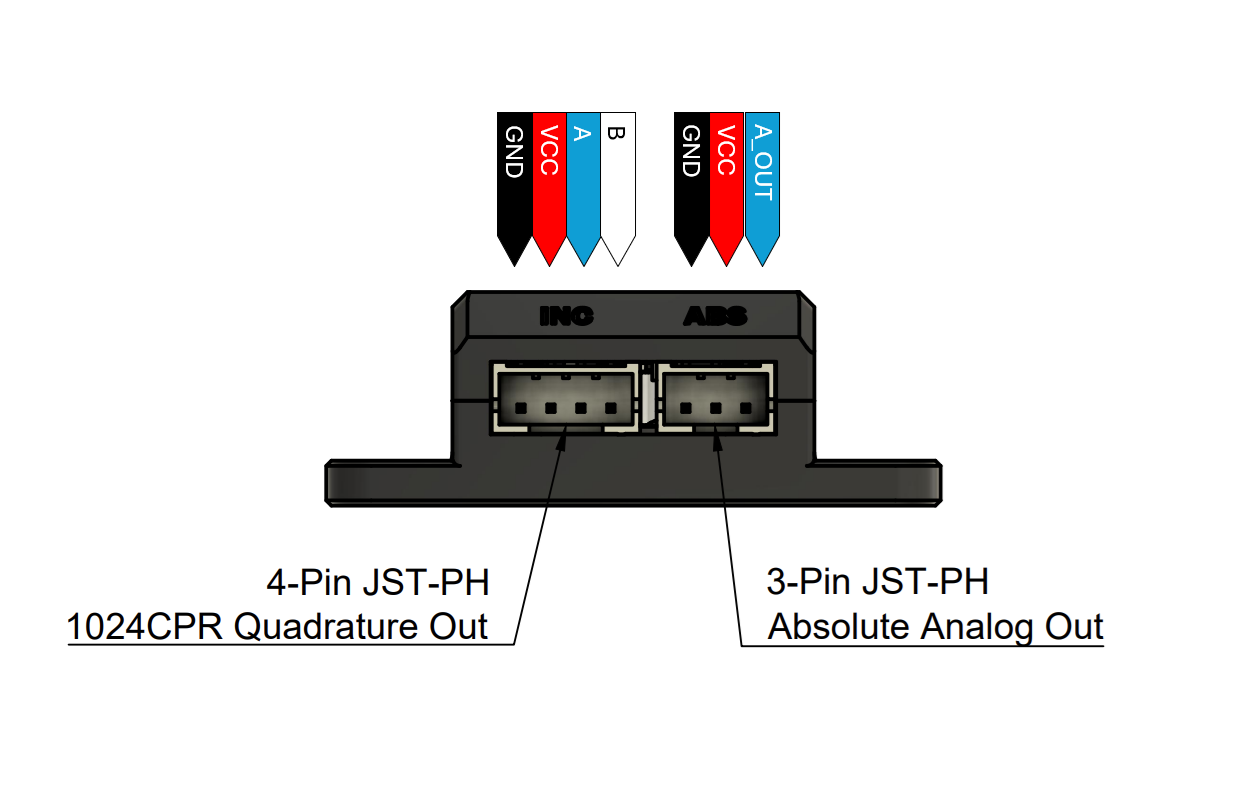
The melonbotics Encoder offers analog absolute output on the 3-Pin JST port.
## Specs
* Maximum angle error of ±1.0° (Integral Non-Linearity)
* 12-Bit DAC
* 5us Propagation Delay
* Output Range 0V -> 3.2V (when used on at 3.3V)
## Wiring
#### Method 1 (Recommended)
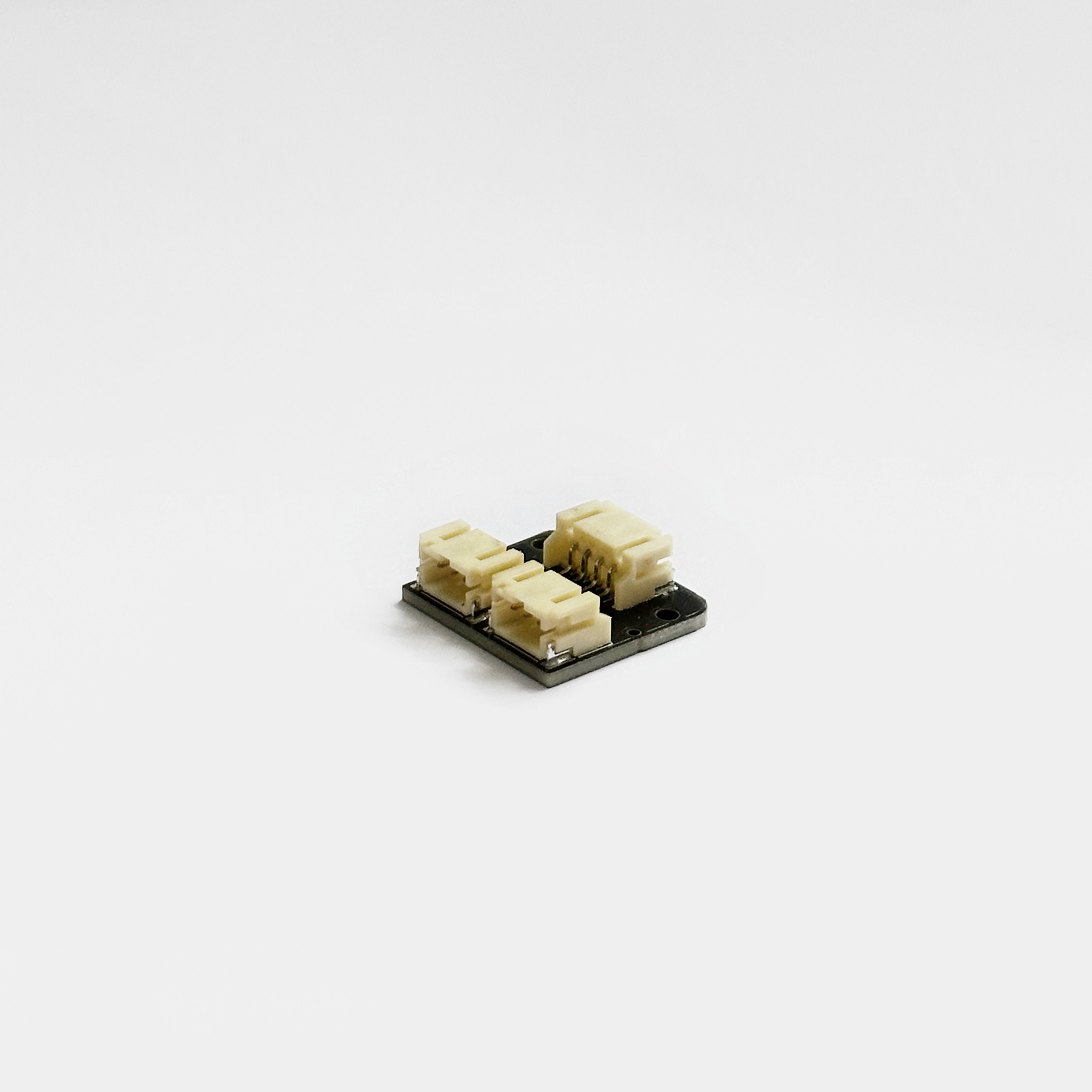
Use the [JST Joiner Board](https://www.melonbotics.com/products/jst-joiner-board) to connect two Encoders to one Control Hub analog port.
#### Method 2 **(Not Recommended)**
Splice the included 3-Pin cable, with the included 4-Pin cable to create an adapter. See below diagram for connector pinouts.
## Code Example
```java
// Get analog port instance from hardwareMap
AnalogInput encoder = hardwareMap.get(AnalogInput.class, "encoder");
// Simple position return
double position = encoder.getVoltage() / 3.2 * 360;
// Position return with adjustable offset
// Offset must be positive, otherwise the modulo (%) operation breaks
//
// If you want to use a negative offset, just add some multiple of 360 so
// that the offset evaluates to be positive.
double offset = -123.4 + 360;
double offsetPosition = (encoder.getVoltage() / 3.2 * 360 + offset) % 360;
```